
Download Desktop Google Reader – desktop, google reader, news, rss, feed, reader, sync, open-source, free, tool, utility, productivity, news aggregator
Overview
Desktop Google Reader is a free and open-source application designed to help users manage and read their RSS and Atom feeds directly from their desktop. Developed by Joe C. Jones and released on December 29, 2011, the app serves as a dedicated tool for individuals who rely on content aggregation to stay informed. It functions as a news aggregator, syncing with Google Reader accounts to deliver real-time updates from subscribed sources. This makes it especially useful for researchers, journalists, bloggers, and anyone who consumes large volumes of online content daily.
The application streamlines the process of tracking news and blog updates by centralizing all feeds in one accessible location. Users no longer need to visit multiple websites or use browser-based feed readers. Instead, Desktop Google Reader offers a lightweight, dedicated interface for reading, organizing, and managing content. Its open-source nature ensures transparency and community-driven development, fostering trust among privacy-conscious users.
Although the developer did not provide additional technical details, the app’s focus on synchronization and customization suggests a strong emphasis on usability and user control. It fills a niche in the productivity ecosystem by offering a desktop alternative to web-based feed readers, particularly for users who prefer a persistent, offline-capable reading environment. Its continued relevance stems from its simplicity and reliability in an era of evolving content consumption habits.
Key Features & Functionality
- Synchronization with Google Reader: The app ensures real-time updates by syncing with the user’s Google Reader account. This means all feed changes, including new articles and read/unread status, are reflected immediately. Users can access their full feed history and current updates without manual refreshes.
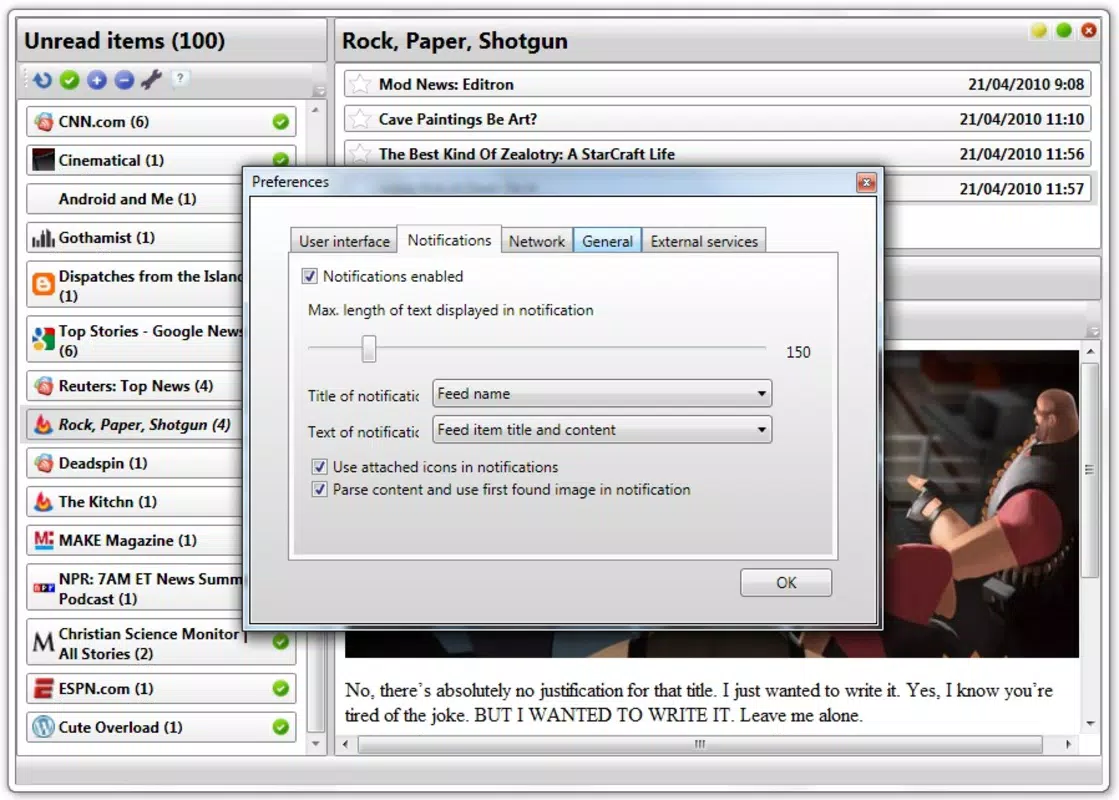
- Customizable Notifications: Through the preferences window, users can adjust how and when they receive alerts for new content. Options include frequency settings and notification styles, allowing users to tailor alerts to their workflow and minimize distractions.
- Feed Management Options: Users can easily add, remove, and organize feeds. This functionality supports a dynamic content library, enabling users to curate their reading list based on evolving interests or current events.
- Social Media Integration: The app allows direct sharing of articles via email or social media platforms. This feature facilitates quick dissemination of valuable information, making it ideal for professionals and content curators who share insights regularly.
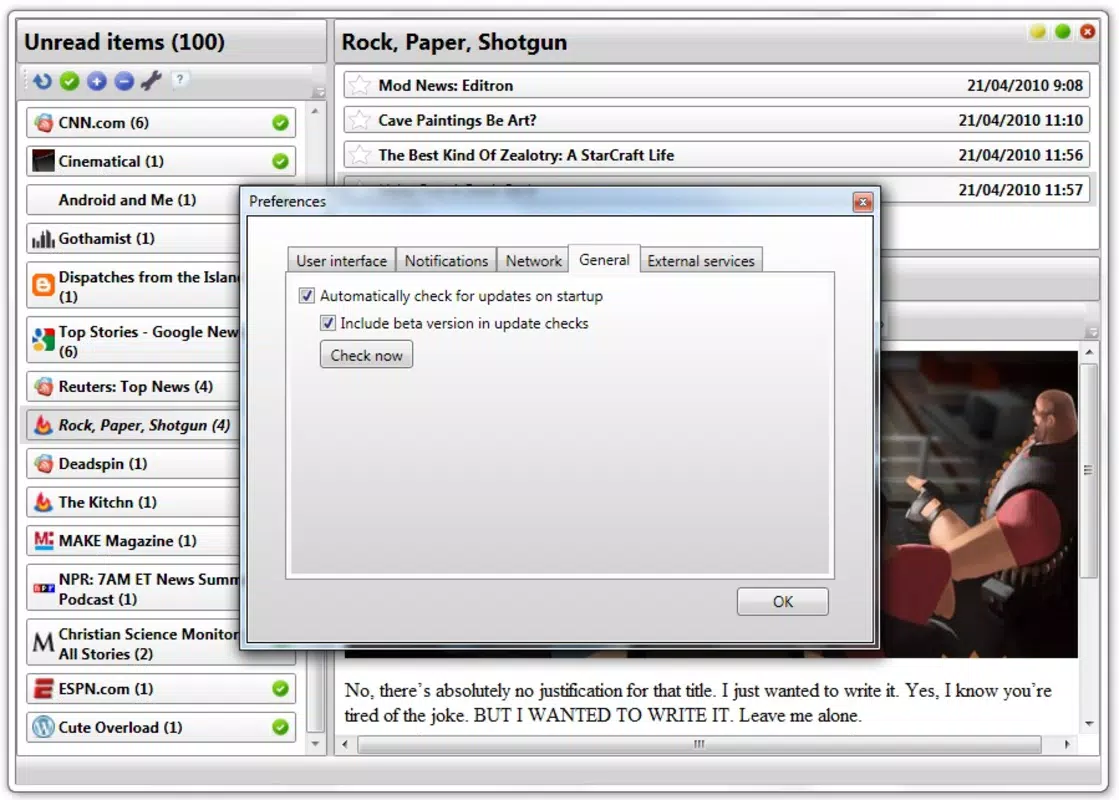
- Support for Reading Services: Desktop Google Reader integrates with third-party tools like Read It Later and Instapaper. This compatibility lets users save articles for later reading, enhancing productivity and enabling better time management.
For example, a researcher might use the app to monitor academic blogs and news outlets, then save key articles to Instapaper for in-depth review during downtime. A content marketer could use the social sharing feature to distribute trending industry updates across their network. These use cases highlight the app’s versatility in supporting both personal and professional workflows.
Interface, UX & Performance
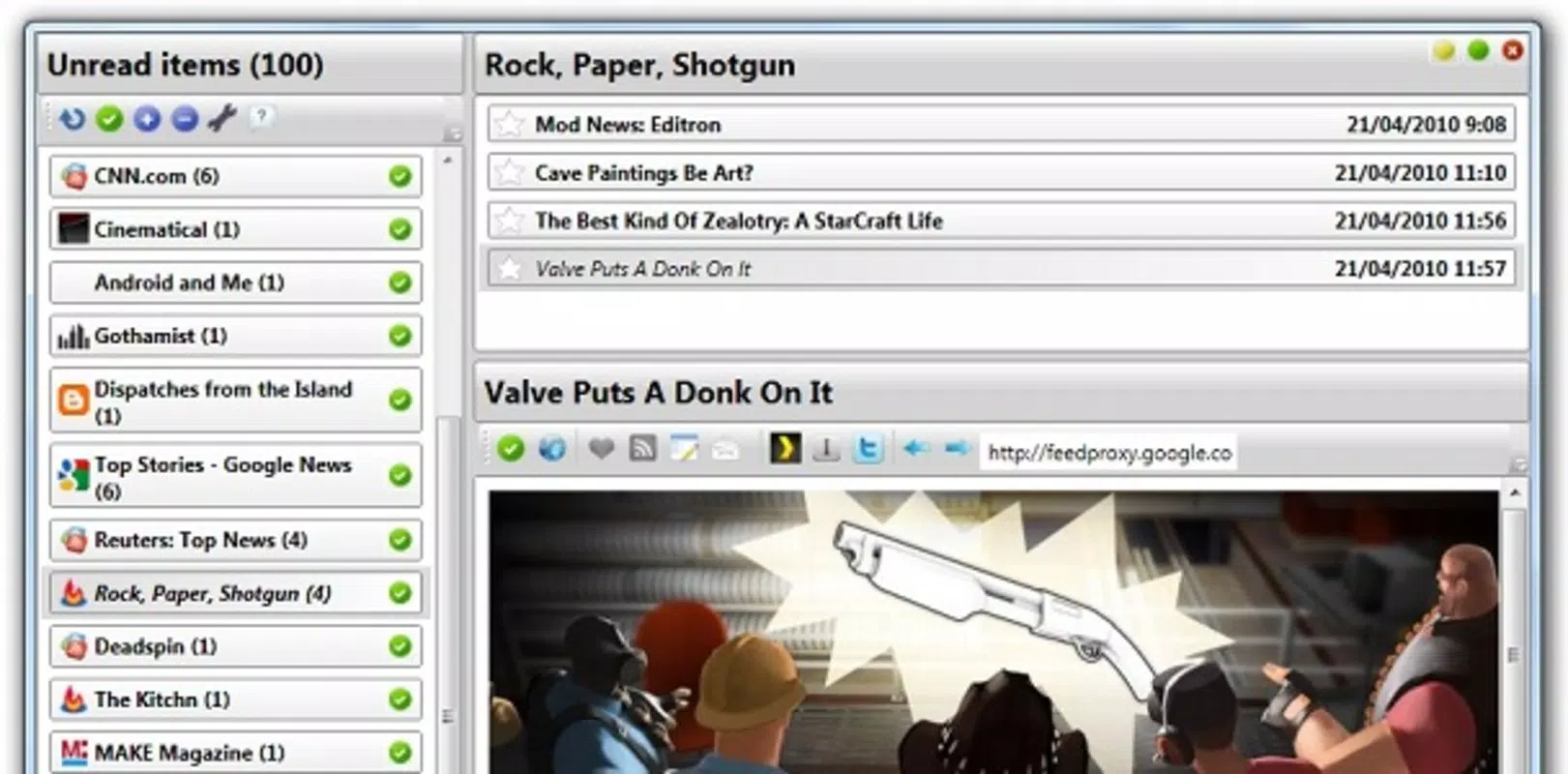
Desktop Google Reader features a clean, minimal interface designed for efficient content consumption. The layout prioritizes readability, with a split-screen design that displays feed lists on one side and article content on the other. Navigation is straightforward, relying on intuitive clicks and keyboard shortcuts for quick access to feeds and actions.
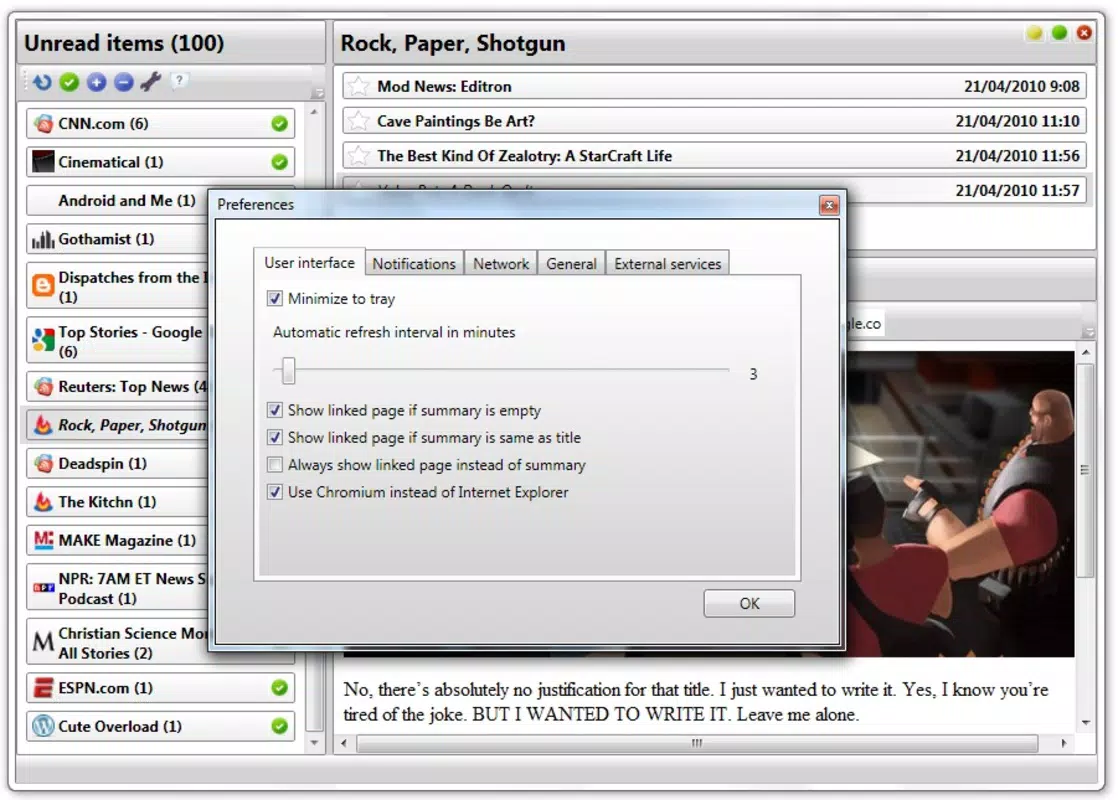
Visual style is functional rather than flashy, emphasizing clarity and speed. The absence of heavy animations or visual distractions aligns with its productivity-focused purpose. Users can customize font sizes and themes through the preferences window, although specific options were not detailed by the developer.
Although the developer did not list formal performance metrics, the app’s lightweight footprint of 10.2 MB suggests efficient resource usage. It is expected to run smoothly on standard Windows systems, including older hardware. Responsiveness appears consistent, with minimal lag during feed loading and navigation. Stability is likely maintained due to its open-source nature and long-standing presence, though no formal testing data was provided.
Platform Compatibility & Technical Requirements
Desktop Google Reader is available exclusively for the Windows platform. The current version is 1.0.0, with a file size of 10.2 MB. The app is free to download and install, with no in-app purchases or subscriptions required.
The developer did not specify minimum OS requirements, nor did they provide details on hardware specifications or compatibility with newer Windows versions. As such, users should exercise caution when installing on systems beyond the original release window. Compatibility information was not fully disclosed, and no official support for macOS or Linux was mentioned.
Pros and Cons
Pros
- Free and open-source – ensures transparency and user trust
- Seamless Google Reader synchronization – keeps feeds up to date automatically
- Lightweight design – minimal system resource usage
- Customizable notifications – supports personalized alert settings
- Integration with reading services – enhances content retention and productivity
Cons
- Platform limited to Windows – no support for macOS or Linux
- Outdated release date – last updated in 2011, may lack modern security patches
- No official support for newer Windows versions – compatibility not confirmed
- Developer did not provide technical specifications – limited insight into system requirements
- Google Reader service discontinued – may affect functionality
FAQ
Is Desktop Google Reader still functional?
The app was developed for Google Reader, which was discontinued in 2013. While the app may still run on compatible systems, its functionality depends on the availability of the underlying service, which is no longer active.
Can I install Desktop Google Reader on macOS or Linux?
The developer did not indicate support for macOS or Linux. The app is currently available only for Windows.
Is Desktop Google Reader secure to download?
As a free and open-source application, its code is publicly available. However, since it was last updated in 2011 and Google Reader is no longer operational, users should exercise caution and scan the file before installation.
Does Desktop Google Reader require an internet connection?
Yes, the app requires an active internet connection to synchronize with Google Reader and fetch new content.
How do I update Desktop Google Reader?
As of now, no official update mechanism is documented. Users may need to manually check for new versions or rely on community repositories.
Final Thoughts
Desktop Google Reader remains a notable example of a lightweight, productivity-focused tool designed for content aggregation. While its original purpose is now challenged by the discontinuation of Google Reader, the app’s open-source foundation and clean interface still offer value to users seeking a simple, customizable desktop feed reader. It’s best suited for those who appreciate minimalism, transparency, and direct control over their reading experience.
Despite its age and platform limitations, the app demonstrates how a focused utility can deliver consistent value over time. For users on Windows who still rely on RSS feeds, Desktop Google Reader presents a viable, no-cost solution. However, its outdated status means it should be used with awareness of potential compatibility and security risks.
Download Desktop Google Reader now


